Icon
Command
Shortcut Key
Toolbar

MOVEBEFORE
Modify
Move selected entities in front of another entity.
|
Icon |
Command |
Shortcut Key |
Toolbar |
|
|
MOVEBEFORE |
|
Modify |
This function allows you to move one or more entities in a drawing in front of another entity. First select the entities to be moved and then indicate the entity that the selection set must move in front of.
 The selected entities may only appear to be at the front after you have performed a Refresh or a Redraw.
Procedure
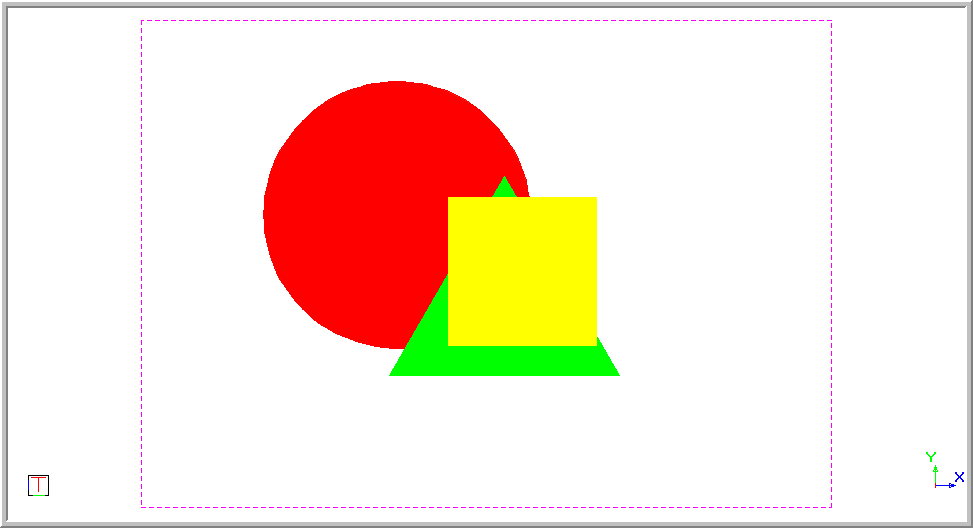
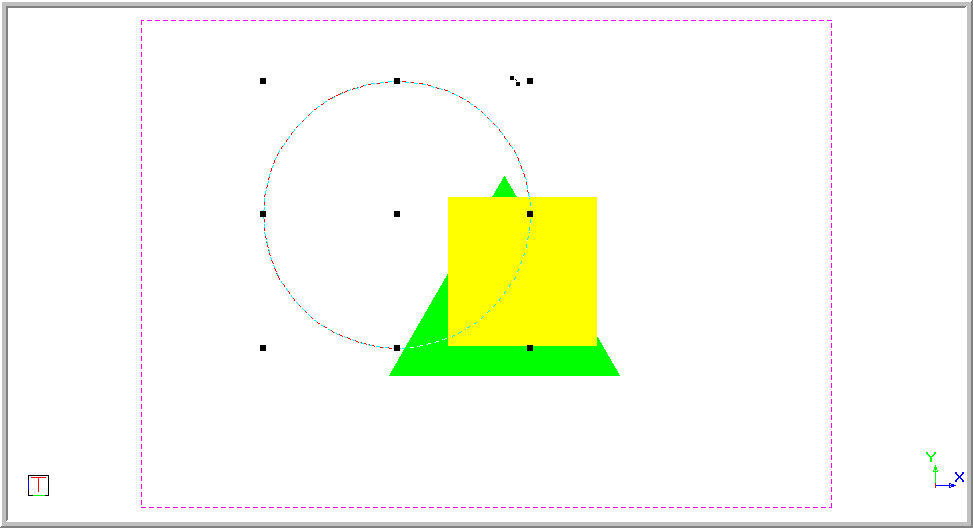
Move the entity to in front of the triangle by selecting Edit ► Draw Order ► Move before Entity or clicking the icon in the Draw Order toolbar.
Indicate entity in front of which the selection set will be moved
Position the cursor over the entity, in this example the triangle, and press [Enter] or click.
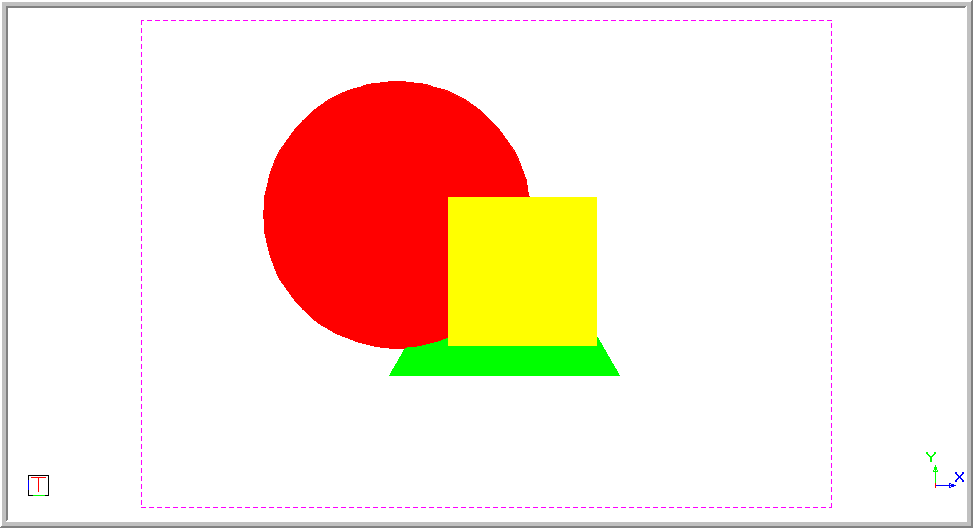
You may be required to perform a Redraw before the entities actually appear to be moved.