Icon
Command
Shortcut Key
Toolbar

MESHTUBE
3D Shapes
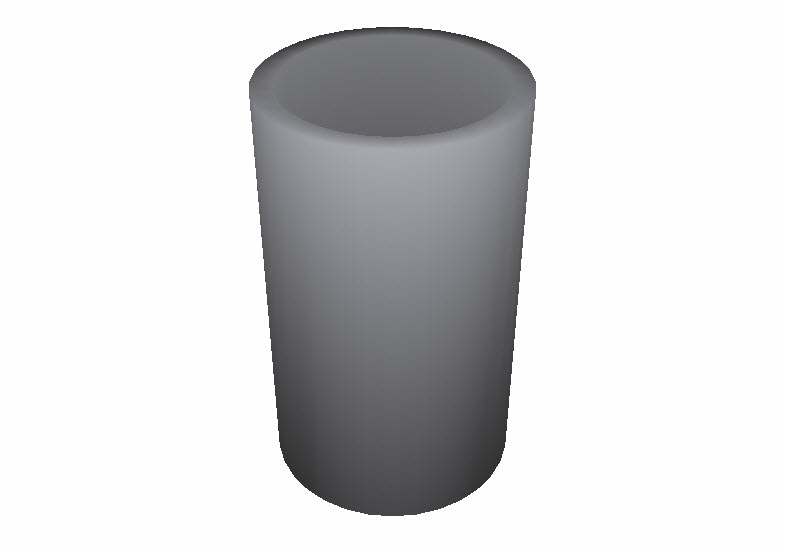
Draw a 3D cylinder or tube.
|
Icon |
Command |
Shortcut Key |
Toolbar |
|
|
MESHTUBE |
|
3D Shapes |
This function allows you to draw a 3D tube or cylinder cone with user-defined inner radius, outer radius and length, using an advanced form of the polygon mesh.
 Mesh entities are always drawn with CONTINUOUS line type.
Procedure
To draw a 3D cone:
You can set the inner radius, outer radius and length of the cylinder, as well as the number of segments on the radii.

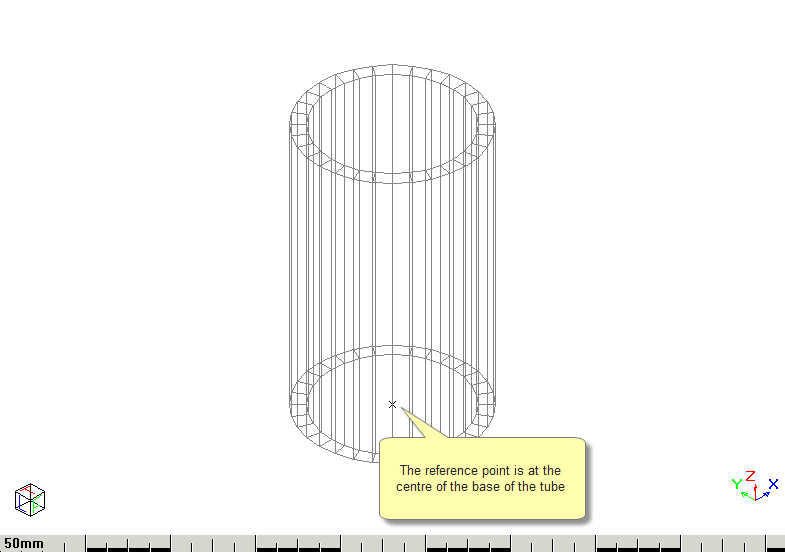
To draw a solid cylinder simply specify the inner radius as zero.