Icon
Command
Shortcut Key
Toolbar

MESHDISH
3D Shapes
Draw a 3D dome.
|
Icon |
Command |
Shortcut Key |
Toolbar |
|
|
MESHDISH |
|
3D Shapes |
This function allows you to draw a 3D dome using an advanced form of the polygon mesh.
 Mesh entities are always drawn with CONTINUOUS line type.
Procedure

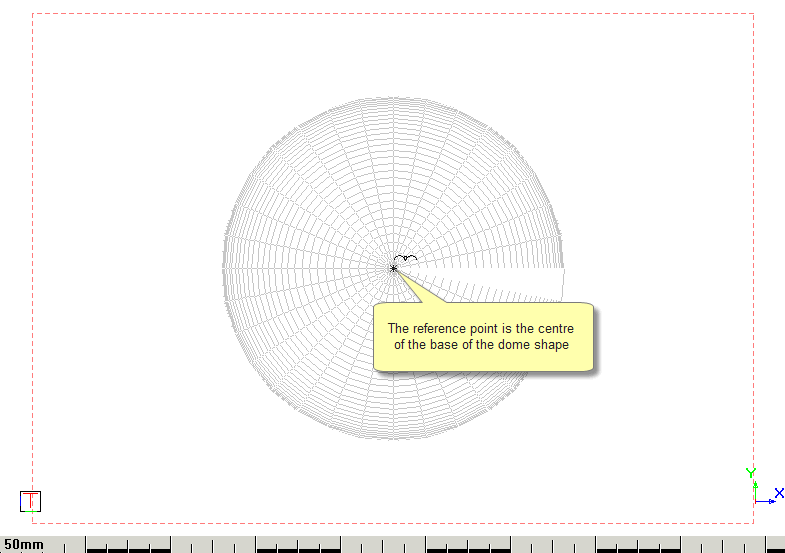
You can set the diameter of the dome, as well as the number of segments in the X and Y planes. The greater the number of segments, the smoother the dome shape is at the expense of redraw speed.
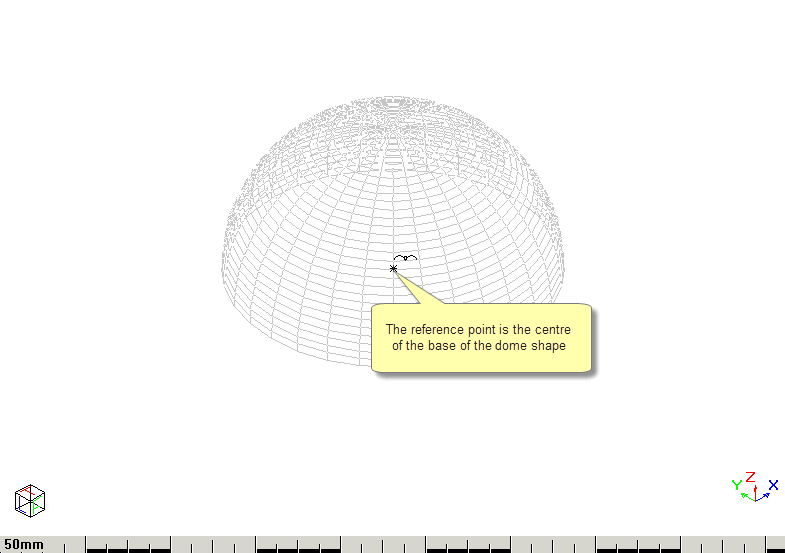
The reference point of the dome is the centre of the base.
In isometric view it displays as below.
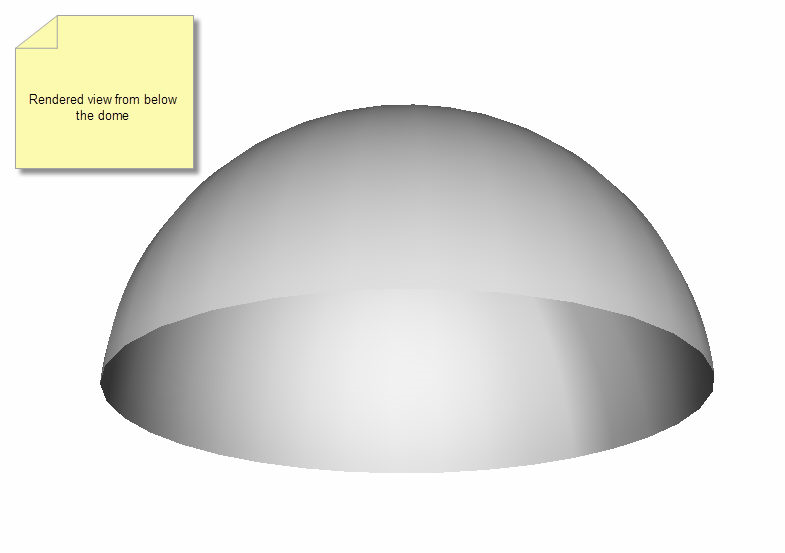
In Render view, the dome looks like this when rotated to look at it from below.