Icon
Command
Shortcut Key
Toolbar

POLYGONADJ
Drawing
Draw polygons by specifying the adjacent points of the polygon (the length of one of the sides).
|
Icon |
Command |
Shortcut Key |
Toolbar |
|
|
POLYGONADJ |
|
Drawing |
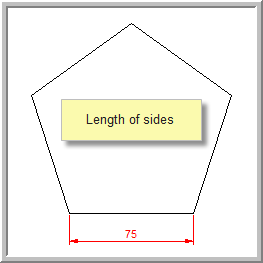
This function allows you to draw a polygon by setting the number of sides, entering the first point and dragging the polygon to the required size, and entering the second point. The length of the sides and the angle at which to draw the polygon may also be inserted to draw the polygon to a specific size.
Procedure
Indicate first corner of polygon

You can change the number of sides, the length of the sides, and the angle the polygon is drawn. To do this, click in the text boxes in the Control Bar or press [Tab] to move between the edit options, and type in the required measurements.
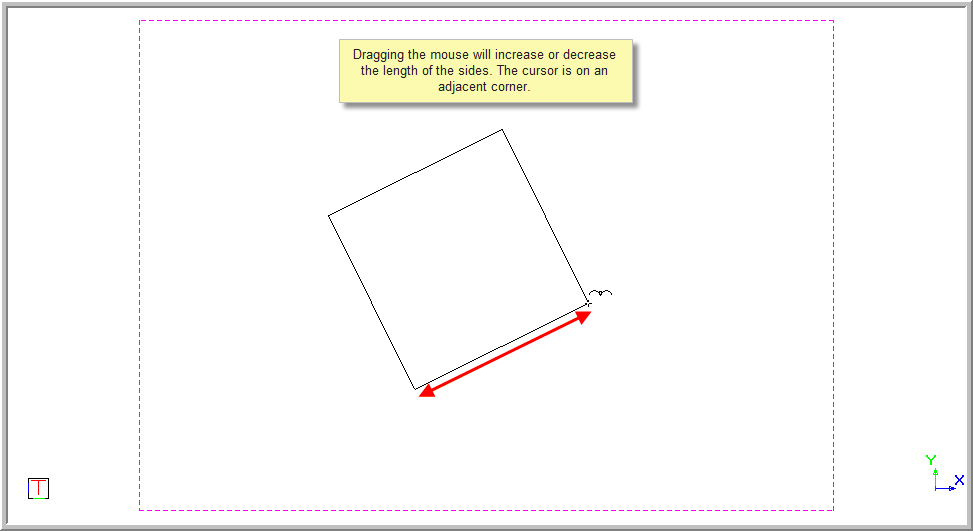
You can indicate the corner point of the polygon by clicking in the drawing or pressing [Enter] in the required position. The polygon is drawn.
The function repeats. Right-click on the screen and select Quit to end the function. Alternatively, press [Esc].
