Icon
Command
Shortcut Key
Toolbar

CIRCLE3PTS
Drawing
Draw a circle that passes through three points.
|
Icon |
Command |
Shortcut Key |
Toolbar |
|
|
CIRCLE3PTS |
|
Drawing |
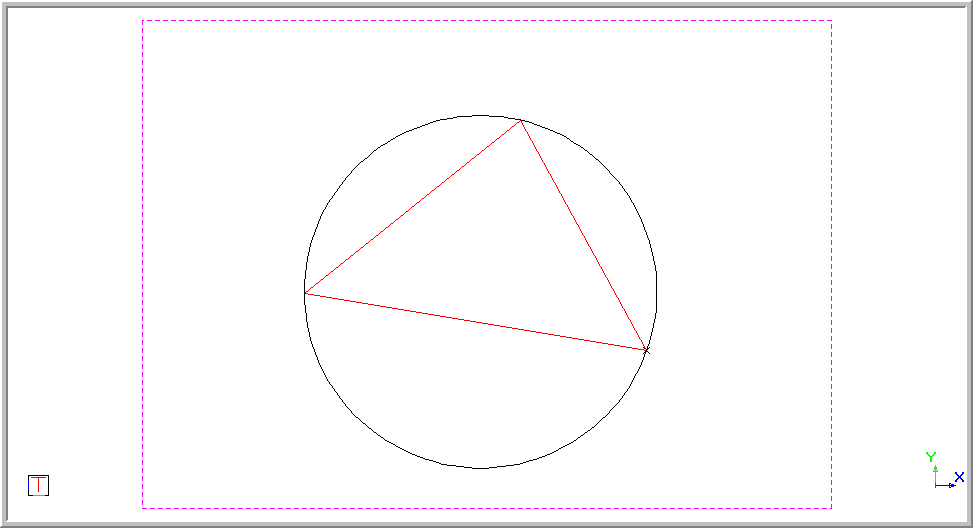
This function allows you to draw a circle by entering the three points you would like the circumference of the circle to pass through.
Procedure
Indicate first point on circle
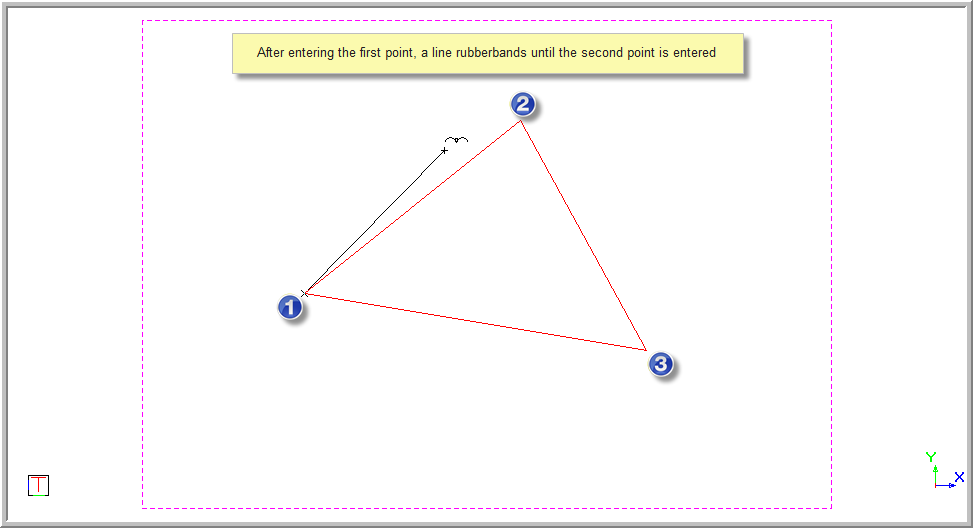
You are prompted:
Indicate second point on circle
You can again use the Snaps or Jumps to jump to the second point the circle must pass through. Alternatively, press [Enter] or click on the desired position. Once the second point is entered, a circle displays which passes through the first two points. You can move it around and the size changes.
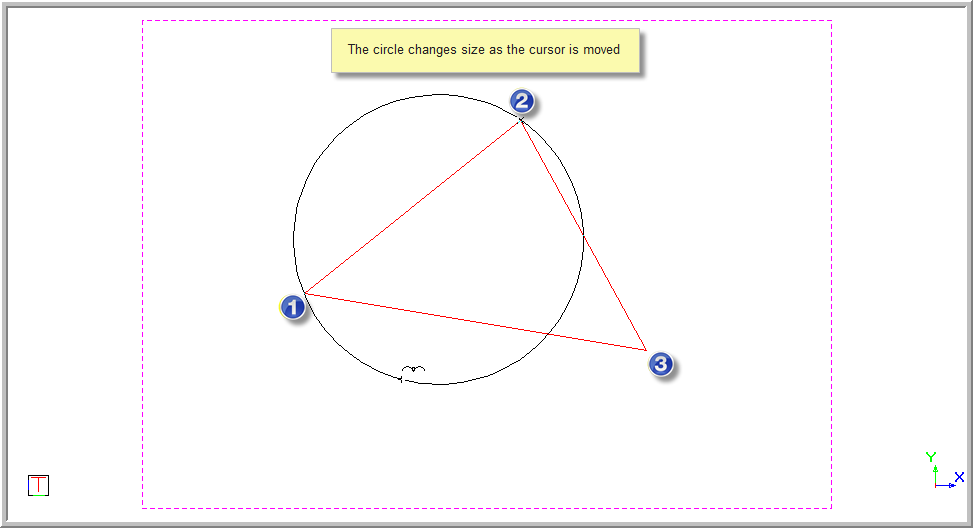
You are prompted to:
Indicate third point on circle
You can again use the Snaps or Jumps to jump to the third point the circle must pass through. Alternatively, press [Enter] or click on the desired position. Once the third point is entered a circle is set.
Indicate first point on circle