Icon
Command
Shortcut Key
Toolbar

DrawBalloonText.a4s
Drawing
Draw a text item in an enclosing balloon.
|
Icon |
Command |
Shortcut Key |
Toolbar |
|
|
DrawBalloonText.a4s |
|
Drawing |
This function allows you to draw a circle around the input text, and add multiple leaders and an arrow.
 The text item, the enclosing circle, and the leaders and arrow are added in the current pen and line style.
Procedure
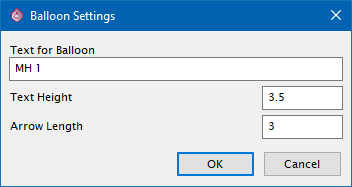
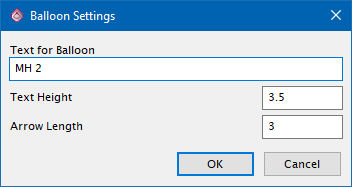
Type in the required text, text size and arrow length in drawing units, and then click OK.
Indicate text position for balloon
Indicate the centre position of the text item and enclosing circle.
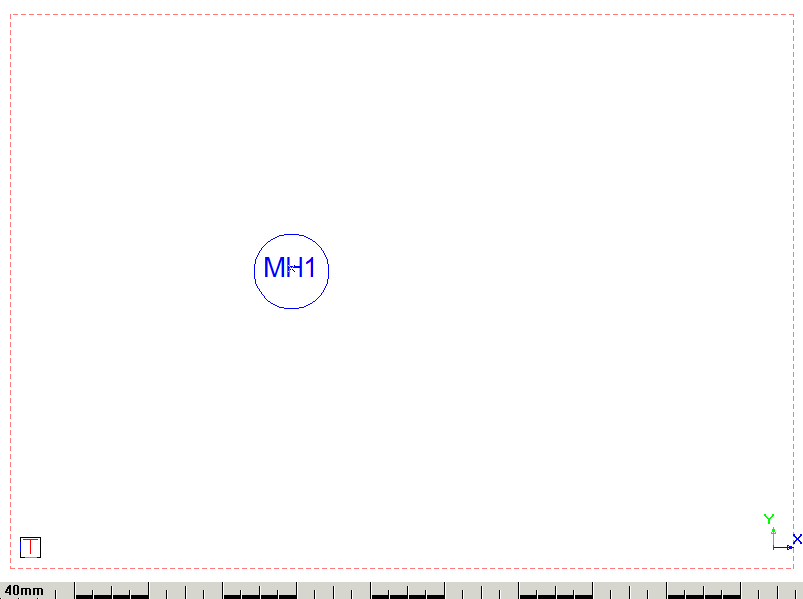
Indicate next point of arrow (SPACE to end)
Indicate the endpoint of the leader line as shown below.
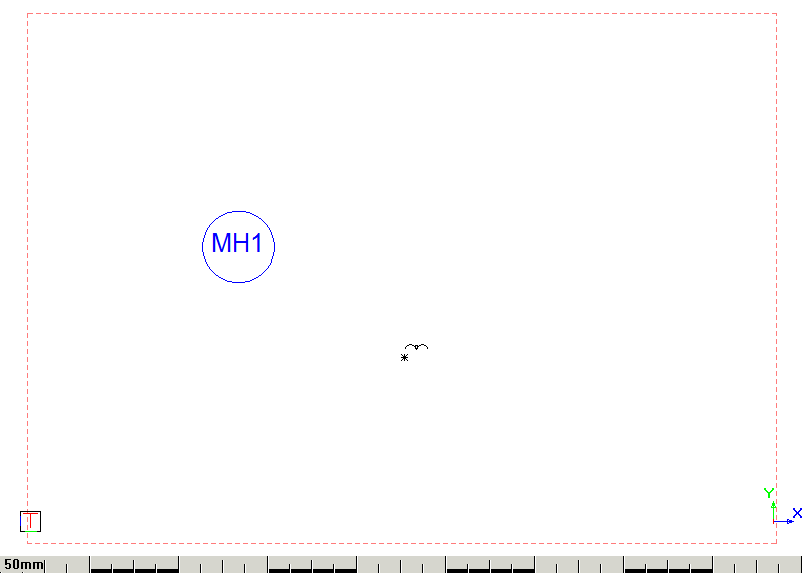
Indicate next point of the arrow (SPACE to end)
Continue to define bend points in the arrow leader line. Alternatively, right-click and select the Quit.