Icon
Command
Shortcut Key
Toolbar

LABELCOORDS
Dimensions
Add coordinates to points in the drawing.
|
Icon |
Command |
Shortcut Key |
Toolbar |
|
|
LABELCOORDS |
|
Dimensions |
This function allows you to add coordinate dimensions to existing points by indicating the point.
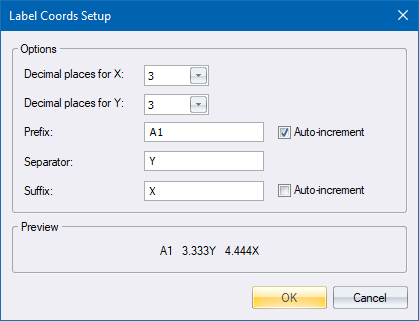
You can specify the format for the coordinate dimension string in the Label Coords Settings.
Procedure
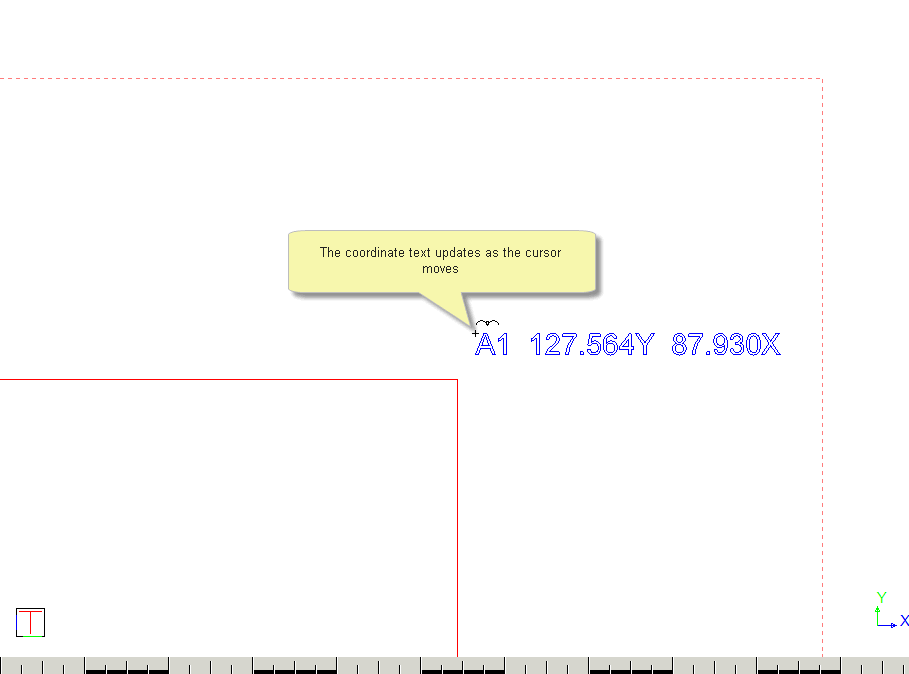
The coordinates of the cursor position display as the cursor is moved.
You are prompted to:

The text style, height, angle and alignment can be altered.
Position the cursor in the required position and then click or press [Enter] to insert the coordinates.
You can edit the coordinates as required.
You are prompted to:

 to insert the coordinates.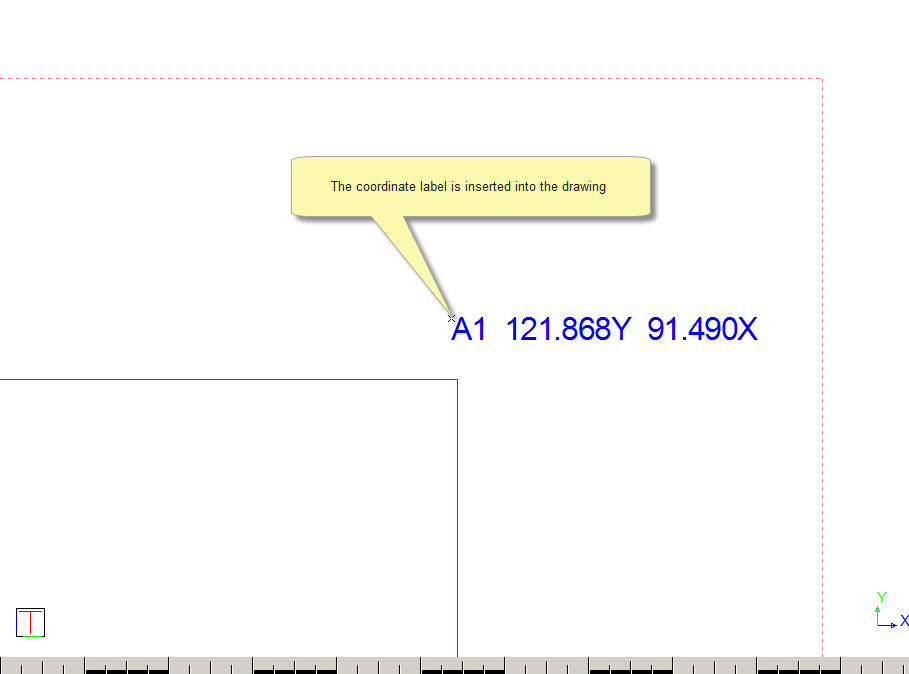
The function repeats and you can continue to insert coordinates as required.
Right-click in the drawing area and select Quit to end the function. Alternatively, press [Esc].