 Dimensions use
the current line style.
Dimensions use
the current line style.Add jogged radial dimensions to the drawing.
Icon |
Command |
Shortcut Key |
Toolbar |
|
DIMJOGGEDRADIAL |
|
Dimensions |
This function allows you to add a jogged radial dimension by indicating the arc or circle to be dimensioned and the position for the dimension text.
Dimensions use
the current line style.
Procedure
Select Dimensions ► Radial ► Jogged Radial Dimension.

 to
change the dimension
style. You can also click Pick to copy dimension
settings from an existing dimension entity.
to
change the dimension
style. You can also click Pick to copy dimension
settings from an existing dimension entity.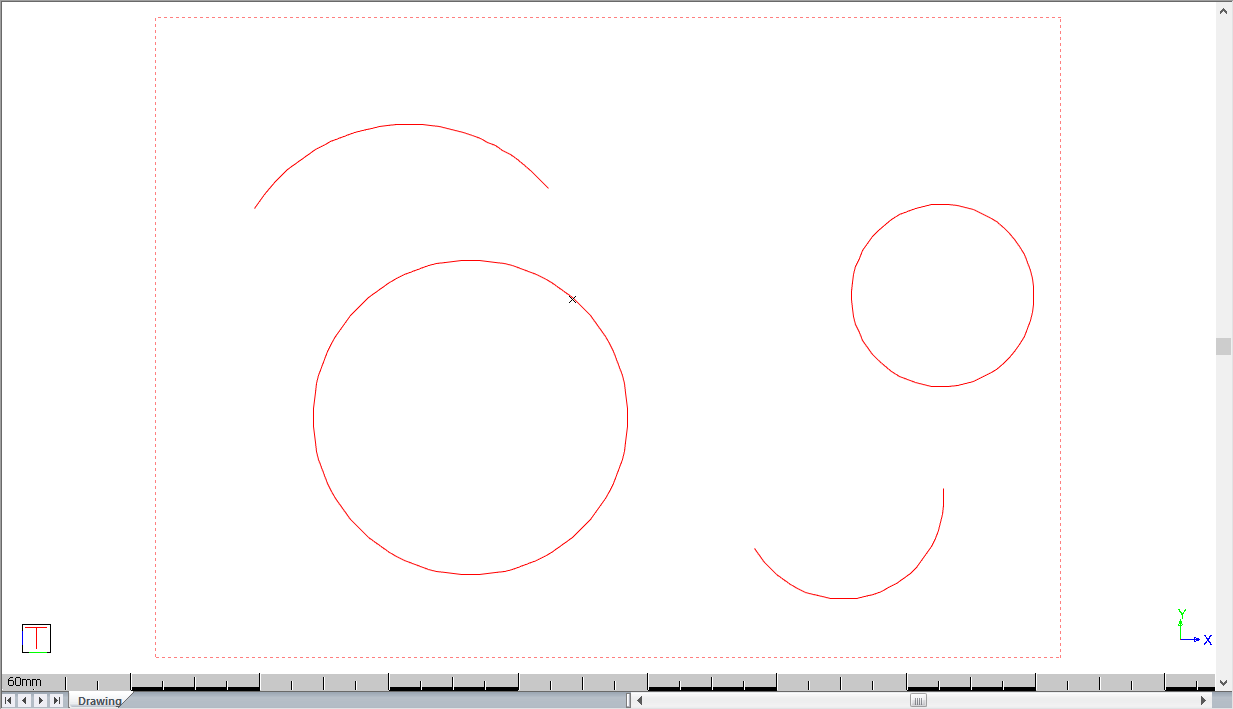
You are prompted to:

A rubberbanded preview of the dimension is drawn and you can move the mouse to indicate the position of the text in the jogged radial dimension. Press [Enter] or click in the drawing to indicate the final position of the text.
The text can only
be placed "internally".
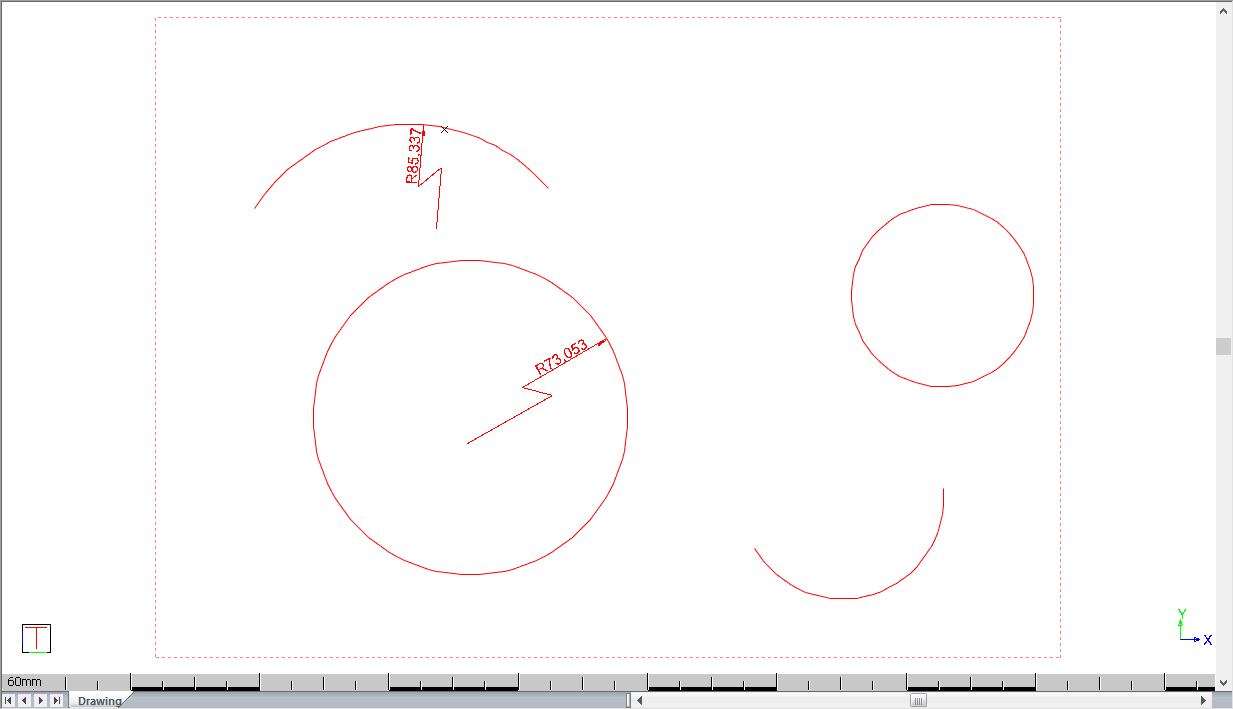
If you have selected the Text override option, you are now able to type over the text. Press [Enter] or click Enter to insert the dimension.
If the Text override was not selected the original measurement will be inserted.
You can continue to add dimensions as the function repeats.
Right-click and select Quit to end the function. Alternatively, press [Esc].
Jogged radial dimensions and radial dimensions are two separate entity types. However, it is possible to convert from one to the other.
To convert jogged radial dimensions to radial dimensions:
Select the jogged radial dimension entity, right-click and select Convert to Radial Dimension from the popup context menu.
The jogged radial dimension entity is converted to a radial dimension entity.
To convert radial dimensions to jogged radial dimensions:
Select the radial dimension entity, right-click, and select Convert to Jogged Radial Dimension from the popup context menu.