Icon
Command
Shortcut Key
Toolbar

DIMARCLENGTH
Dimensions
Add arc length dimensions to the drawing.
Icon |
Command |
Shortcut Key |
Toolbar |
|
DIMARCLENGTH |
|
Dimensions |
This function allows you to add arc length dimensions to the drawing by indicating the arc to be dimensioned and where the dimension text must be placed.
Arc length dimensions can be:
Free - Each dimension is drawn individually.
Chained - Successive dimensions follow on the previous dimension measured anti-clockwise.
Running - Dimensions are taken from the first point and offset from the previous dimension.
 Dimensions will
use the current Line
Style.
Dimensions will
use the current Line
Style.
Procedure

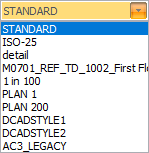
The Dimension
Styles can be easily changed by clicking the icon  next to the dimension style list.
You can click
Pick
to copy dimension settings from an existing dimension entity.
Select the Autospace checkbox to space the dimension line at a fixed distance from the dimensioned line or arc. The auto-space distance (in mm on paper) is shown in the edit input just to the right of the checkbox. You can use this to adjust the auto-space distance. When auto-space is active, the position of the dimension line will be locked to the specified distance away from the dimensioned points.
Select the Text override checkbox if you would like to be able to edit the dimension text.
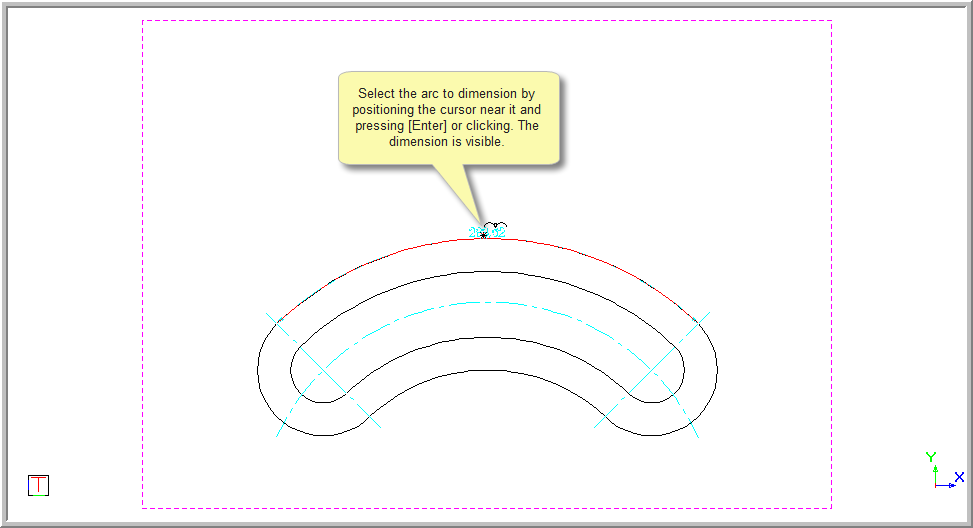

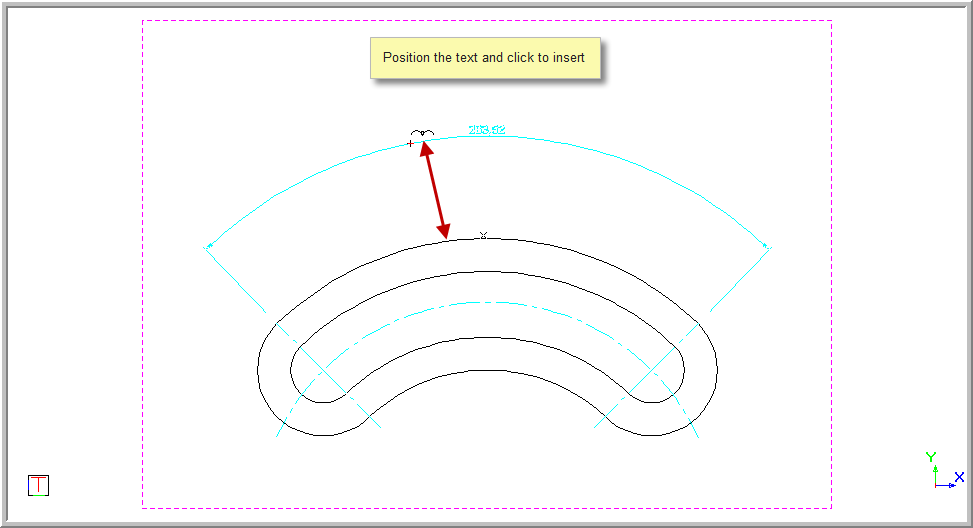
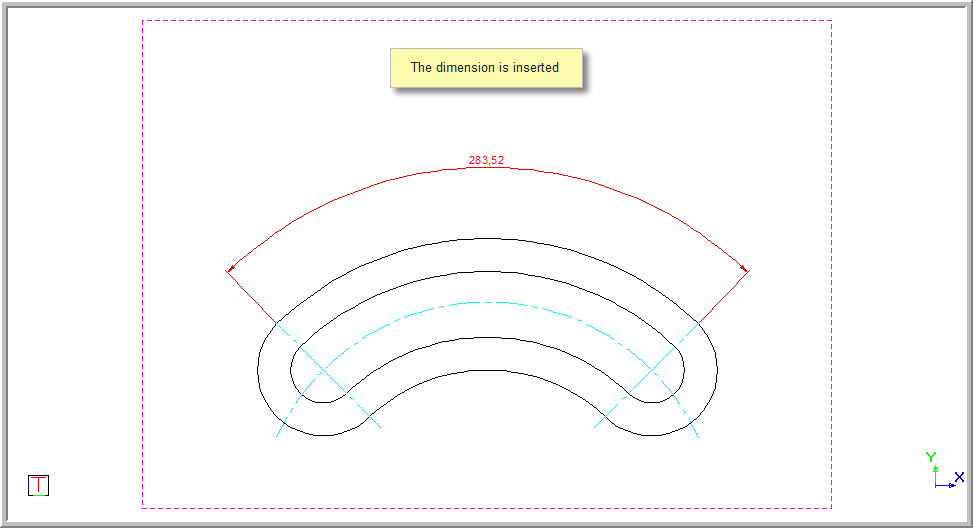
If you have selected the Text override option, you will be prompted to type over the text.