Icon
Command
Shortcut Key
Toolbar

DIMCENTREMARK
Dimensions
Add a centre mark to a circle or arc.
|
Icon |
Command |
Shortcut Key |
Toolbar |
|
|
DIMCENTREMARK |
|
Dimensions |
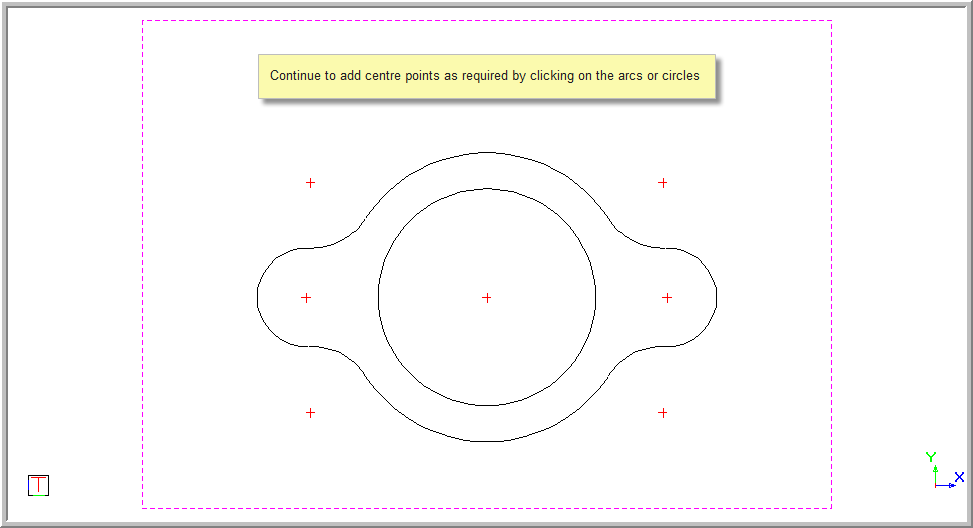
This function allows you to add a centre mark to an arc or circle.
You cannot add a centre mark to an ellipse.
 The centre mark is drawn as two lines and uses the current line style and colour.
Procedure
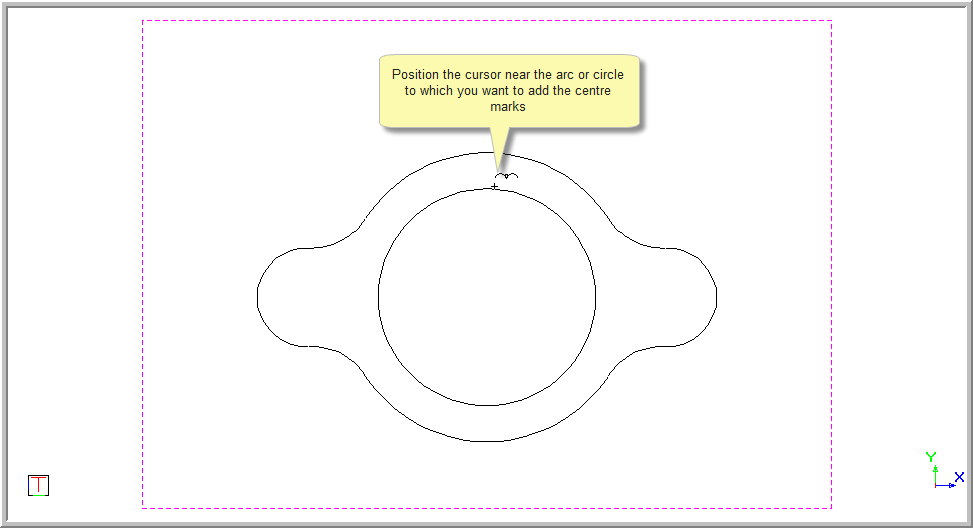
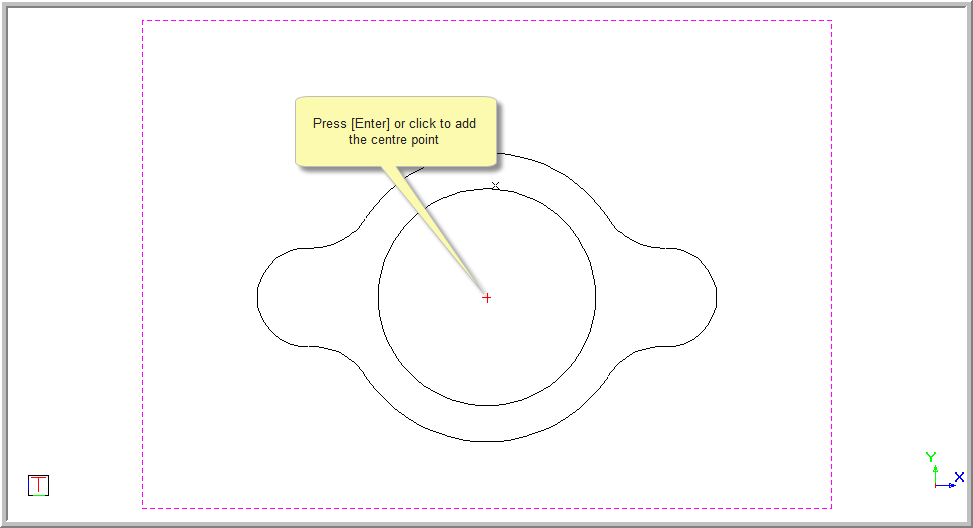
Indicate circle or arc
The current line style and colour will be used to draw the centre mark.