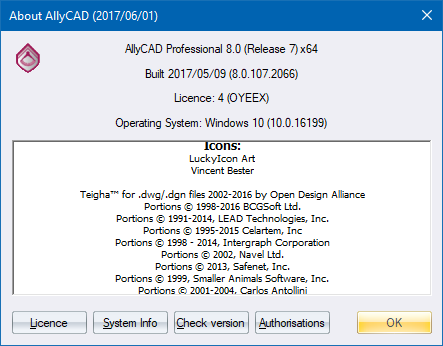
This window displays general information about the program, as well as giving access to system specific information.
|
Option
|
Description |
|
General |
Displays information about the program version, build date, licence type and operating system as well as programming credits and third-party copyright information. |
|
System Info button |
Click to display information regarding your computer system. This might be requested by our support staff in order to get an idea of the PC on which you are running the program. |
|
Check version |
Click to force a check for available version updates. |
|
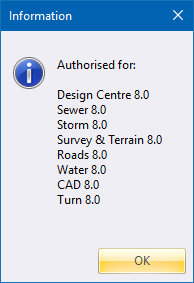
Authorisations |
Checks which modules are authorised.
|