Select Turn ► Minimum Envelope ► Minimum
Envelope Setup or click the Minimum Envelope Setup icon  on the Turn toolbar.
The Minimum Turning Envelope options display.
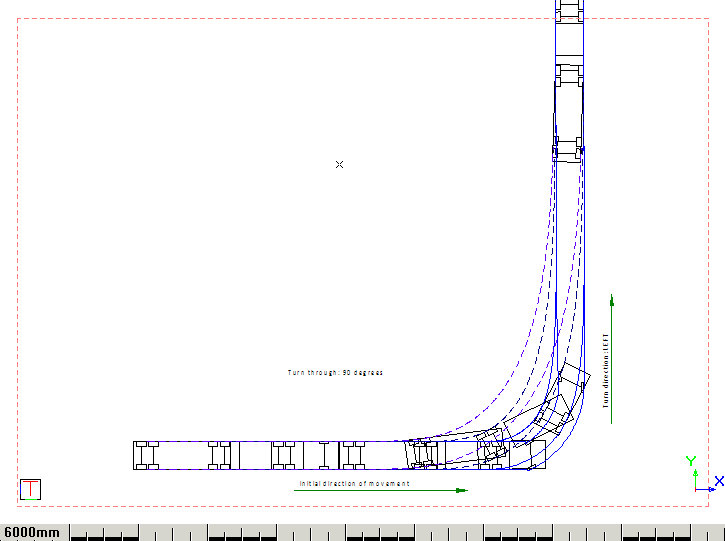
This function allows you to create a minimum turning circle envelope. The vehicle moves in a specified direction, and then turns at its maximum steering angle.
In this tutorial you will learn how to:
· Edit the Minimum Turning Circle setup.
· Create a Minimum Turning Circle envelope.
Select Turn ► Minimum Envelope ► Minimum
Envelope Setup or click the Minimum Envelope Setup icon on the Turn toolbar.
The Minimum Turning Envelope options display.
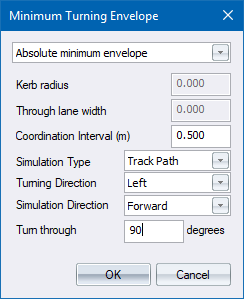
The Coordination Interval and Simulation Type options are exactly the same as whatever is specified in the Setup.
The Simulation Direction option can be set to either Forward or Single Unit Reverse. This means that you can create an envelope with the vehicle running forward, but it can only reverse if there are no trailers connected to it.
Refer to the following illustrations for the explanation of the Turning Direction and Turn Through options.
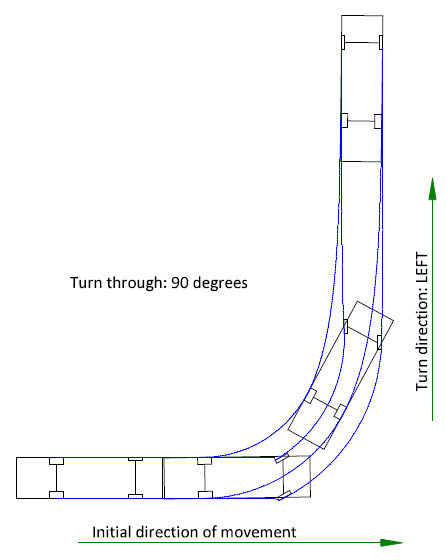
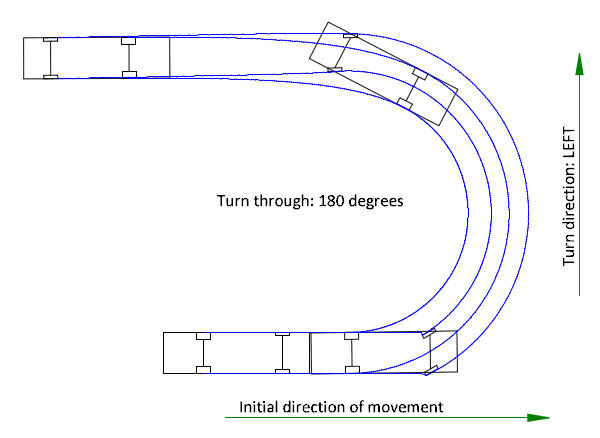
Click OK to close the Minimum Turning Envelope window.
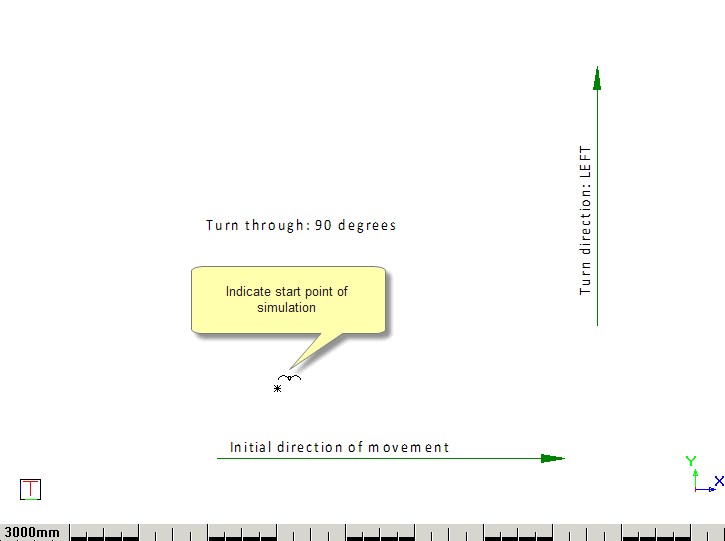
Indicate Start point of minimum turning circle envelope
Indicate direction of initial movement
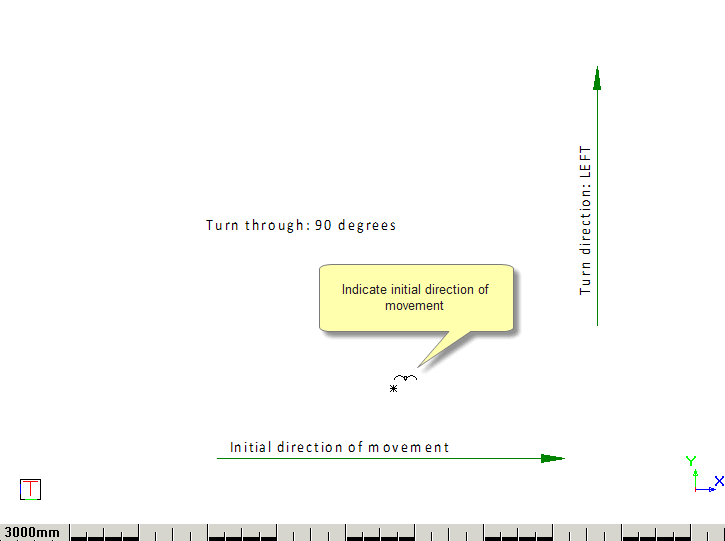
A line is drawn from the indicated starting point to the current cursor position. Use this line to indicate the direction at which the vehicle must start moving.