 This function will only work if the drawing coordinate system is set to "Survey".
Connect points by indicating them onscreen.
|
Icon |
Command |
Shortcut Key |
Toolbar |
|
|
TK_SURVEYJOINPOINTS |
|
|
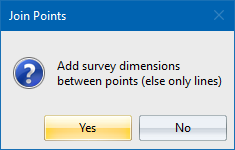
This function allows you to join points by indicating the points to join onscreen.
This function will only work if the drawing coordinate system is set to "Survey".
Procedure
In the Survey Toolkit menu, select COGO Points ► Join Points ► COGO Points.
Select first coordinate point
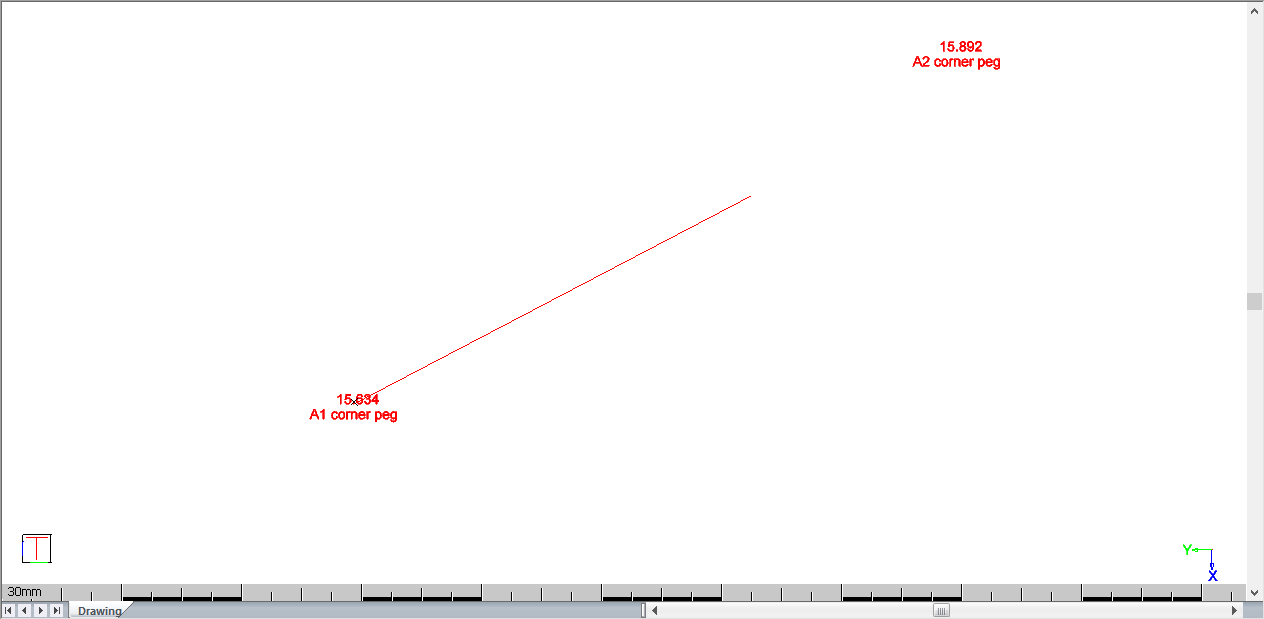
Select next coordinate point
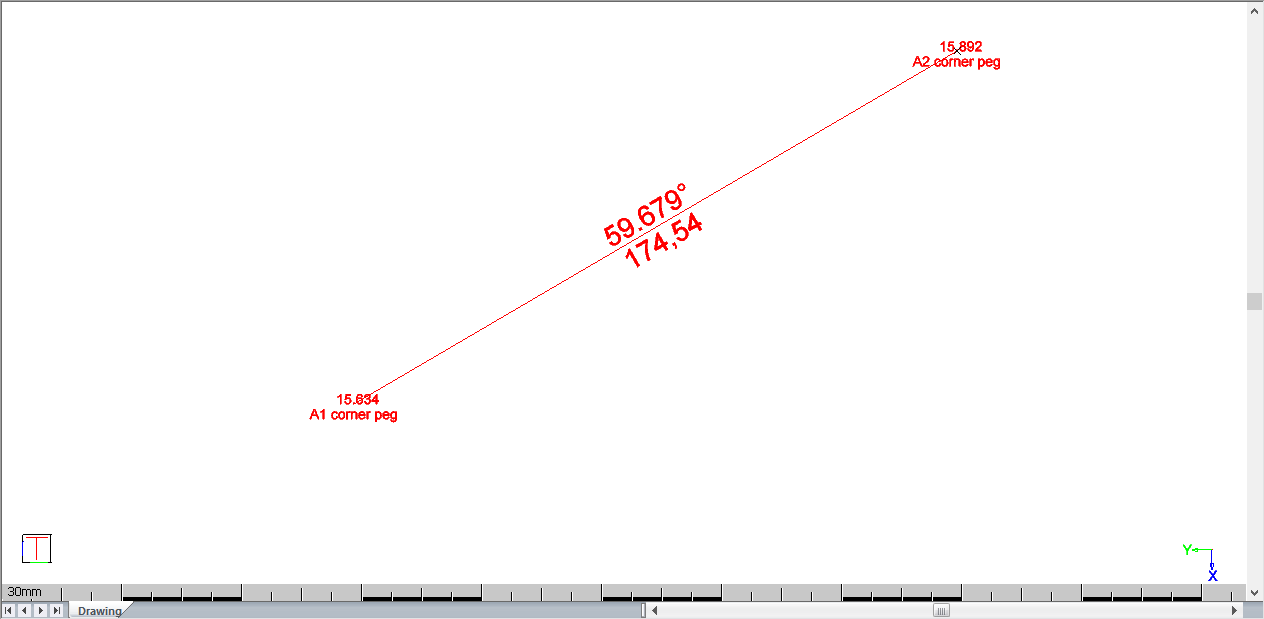
A line is still attached to your cursor so you can select another COGO point to join to.