This section of the sheet file deals with the plan section of a sheet.
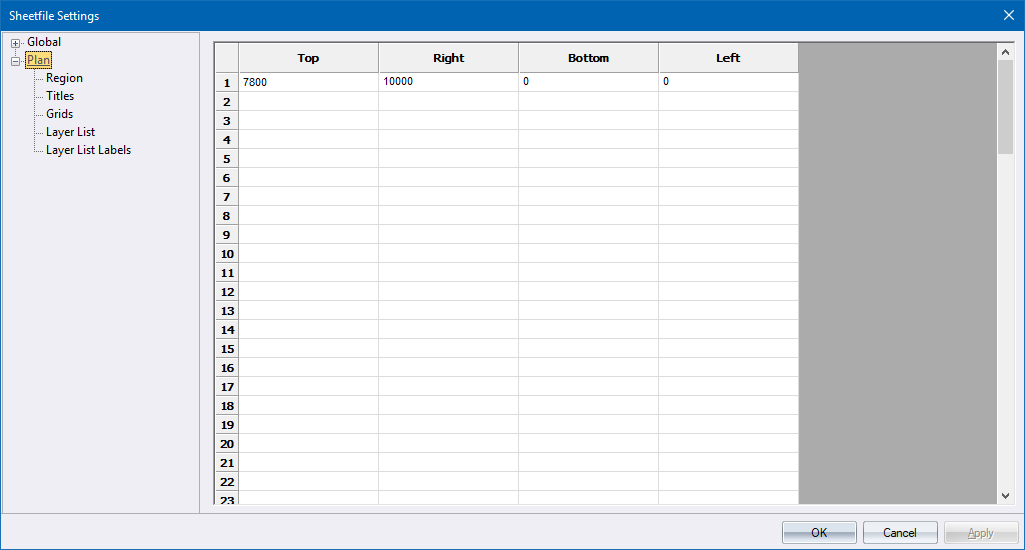
Before you can specify settings for the plan region, you need to define it by selecting Draw ► Regions ► Plan Region; or by entering values on the Region page. The plan region is defined as a sub-section of the global plotting region, and therefore its coordinates should not exceed those defined for the global plotting region.
You can position a plan plotting region anywhere on your plot sheet within the global plotting limits.
 Note that all
measurements entered in a sheet file are in 10ths of a millimetre, except
where specifically indicated. Text heights will be correct for the original
sheet file size but will change when the sheet file is scaled to fit other
paper sizes when generating a plot.
Note that all
measurements entered in a sheet file are in 10ths of a millimetre, except
where specifically indicated. Text heights will be correct for the original
sheet file size but will change when the sheet file is scaled to fit other
paper sizes when generating a plot.
Option
|
Description |
Specify the area the plan must be plotted in. |
|
Specify the plan titles. |
|
Specify the parameters for the grid that will be drawn on the plan portion of the sheet file. |
|
The Layer List is a list of visible layers at the time the plot is generated, which can be included on the plan. |
|
Define the label configurations of the visible layer list using this page. |